Why Your Amazon Influencer Videos Stop Earning When Listings Change
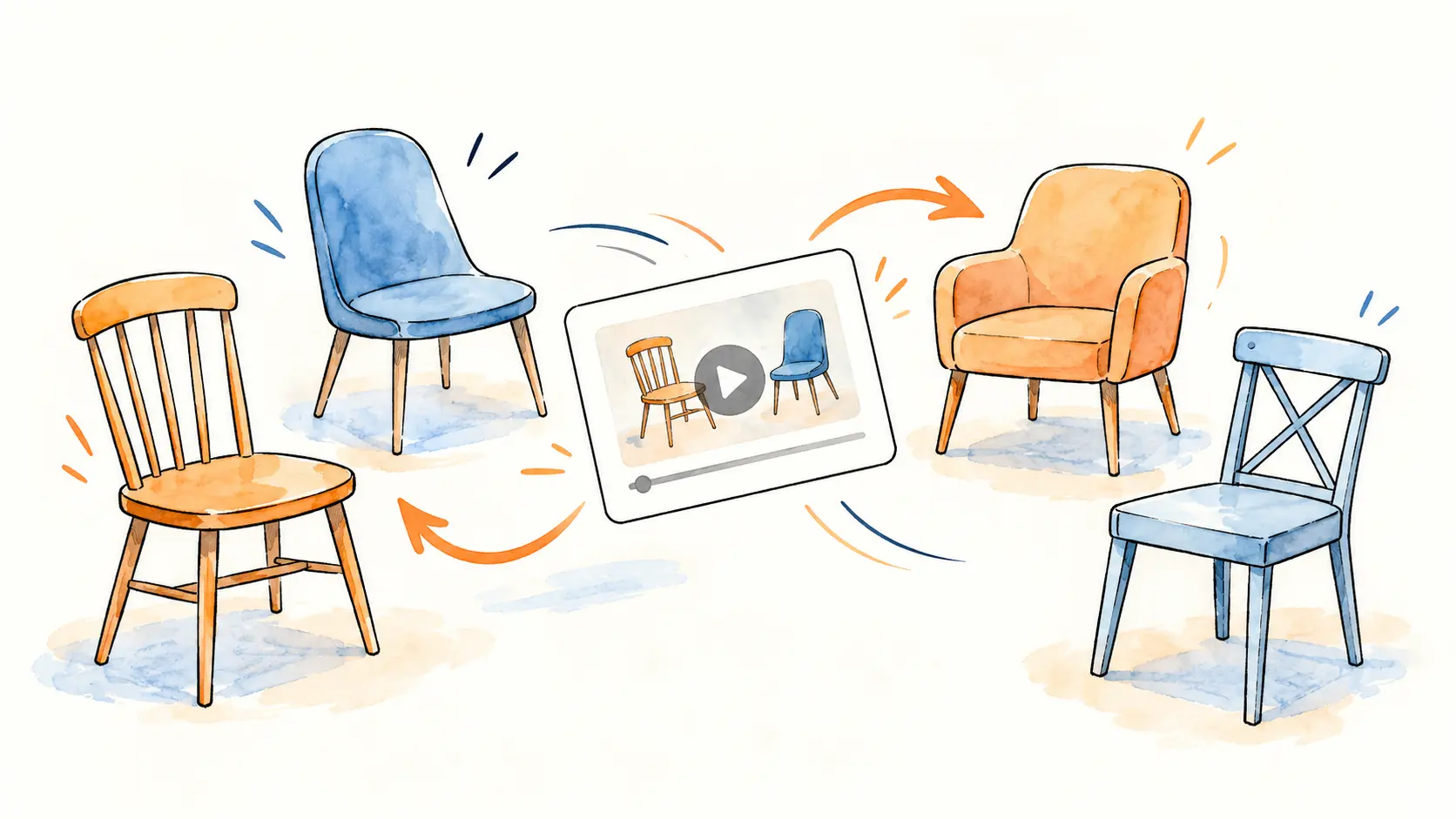
Has a video that earned well for months suddenly gone quiet? Often the video did not change. The product page it was attached to did. Sellers create new pages more often than most Amazon influencers realize, and keeping up can feel like a game of musical chairs. As a seller, I can explain why it happens and how to keep your videos earning.
Why sellers change their main listing
From the seller side, these are the most common reasons a product moves to a different page:
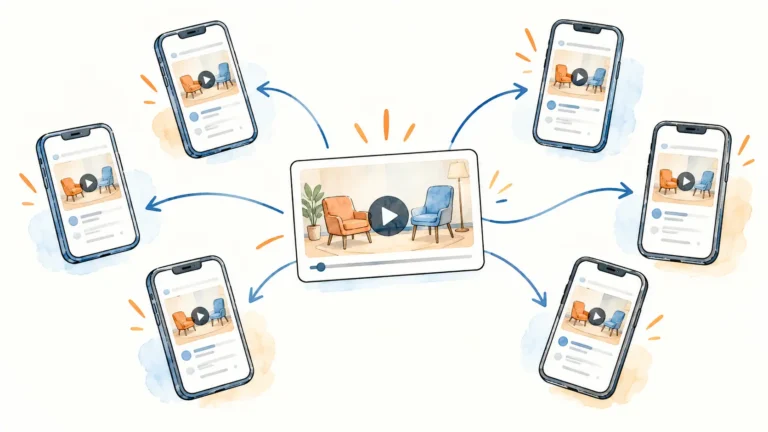
1. The rating dropped. If a listing’s star rating falls, it converts worse and often ranks lower. Many sellers then stop pushing that listing and start promoting a new one. Your video stays on the old page, which now gets far less traffic.
2. The listing broke a rule. If a listing is flagged for a policy issue, it can be suppressed or lose visibility. The seller may launch a new listing to keep selling, and again, your video is left on a page few shoppers see.
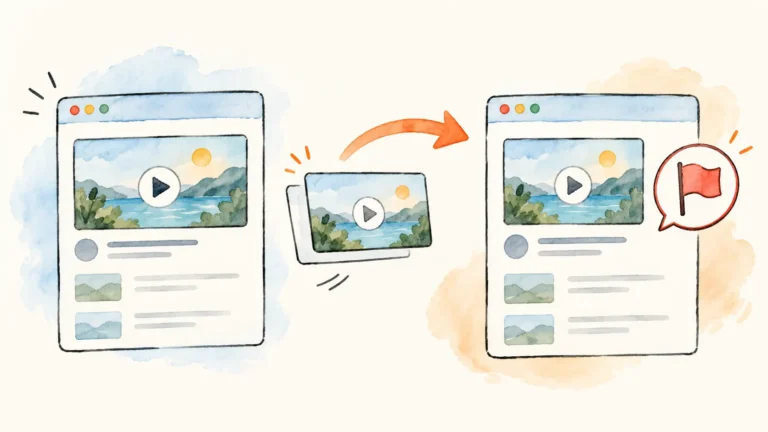
3. An old seed listing was revamped as a new one. Some sellers keep old listings they no longer use, sometimes called seed listings, because those pages already carry history on Amazon. When they launch a new product, they rewrite an old seed listing with the new product’s details and promote it as if it were a brand-new listing. Amazon ties a listing to one specific product, so turning it into a different item breaks the rules.
For you, this cuts both ways: a video tagged to that old page may now sit under a product you never tested, and the new product you want to review may live on a page that can be flagged and pulled.
Two kinds of sellers, again
The first two reasons are normal parts of running a business. The last one is where the gray-area sellers show up. Brands that plan to stay on Amazon for years tend to keep a stable main listing and fix problems on it, instead of constantly moving to new pages. That stability is good for your videos too.
How to keep your videos earning
- Check your top videos regularly. Once a month, open the product pages behind your best-earning videos. Is it the same product? Is the page still active and still the main one?
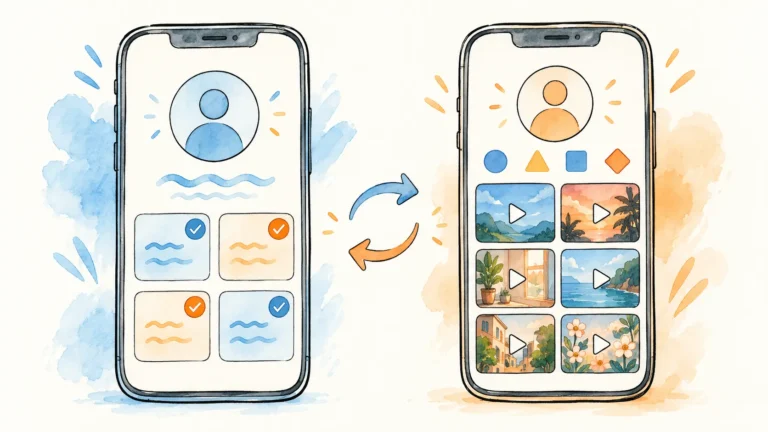
- Follow the product when it moves. If the seller has clearly moved the same product to a new page, tag the new page. In your storefront, go to Manage Content, choose Video, and edit the products tagged. If you cannot edit a live video, upload it again with the new page tagged. Only do this when the new page is truly the product in your video.
- Watch for warning signs. A page with lots of reviews but a product that looks new, reviews that describe a different item, or a variation list full of unrelated products. These pages are more likely to be changed or removed.
- Remove videos from pages that no longer match. If your video ends up on a page for a different product, take it down. It misleads shoppers, and sellers do report videos that do not match their product.
- Ask the seller. If you are working with a brand through Creator Connections, ask which listing is their main one and whether they plan changes. A legit seller will usually tell you.
- Favor brands with stable listings. Before you invest time in a product, look at the brand’s storefront. A consistent product line with long-running listings is a good sign.
The bottom line
You cannot control how sellers manage their listings, but you can choose who you work with and check on your videos. A few minutes a month keeps more of your past work earning.
For more on choosing the right sellers, read How to Report a Stolen Amazon Influencer Video, which covers how to check a seller before you work with them. Questions? You can reach me on the Contact page.